










Product Specifications:
Power Supply:DC 5V±0.5 1A
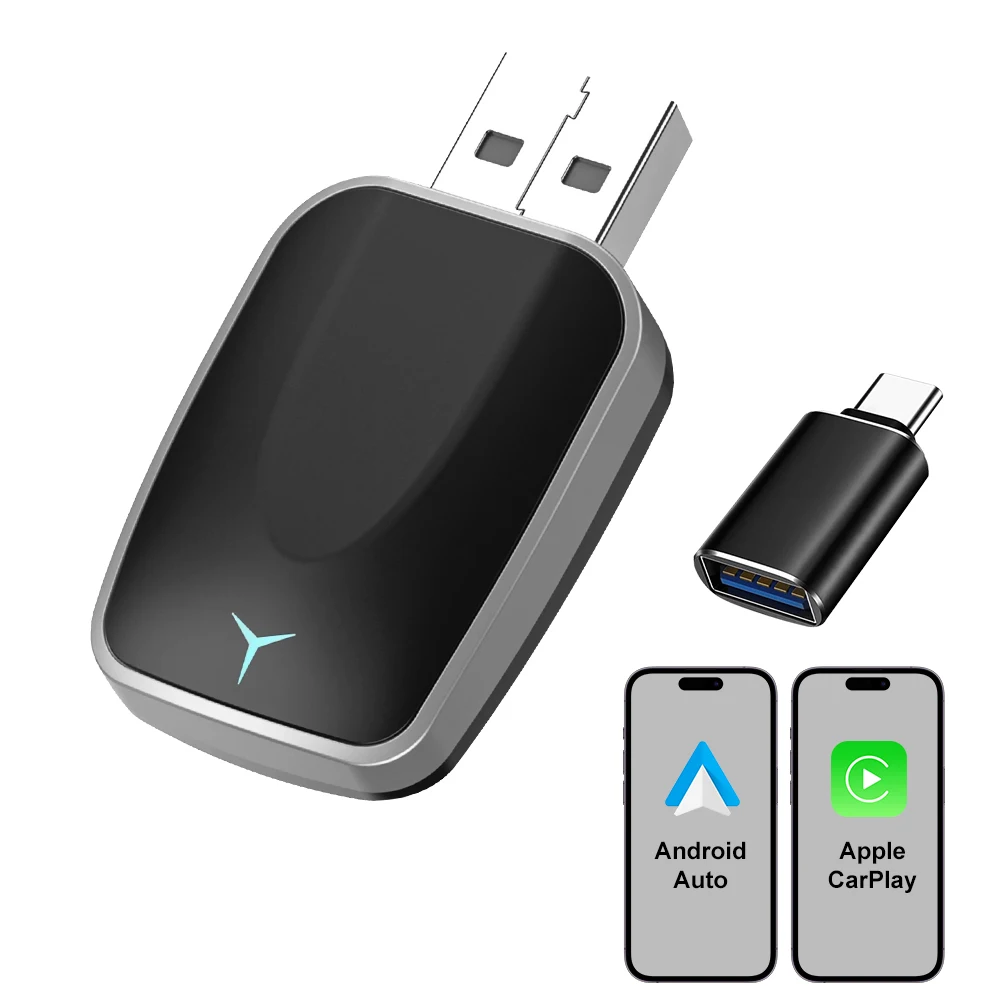
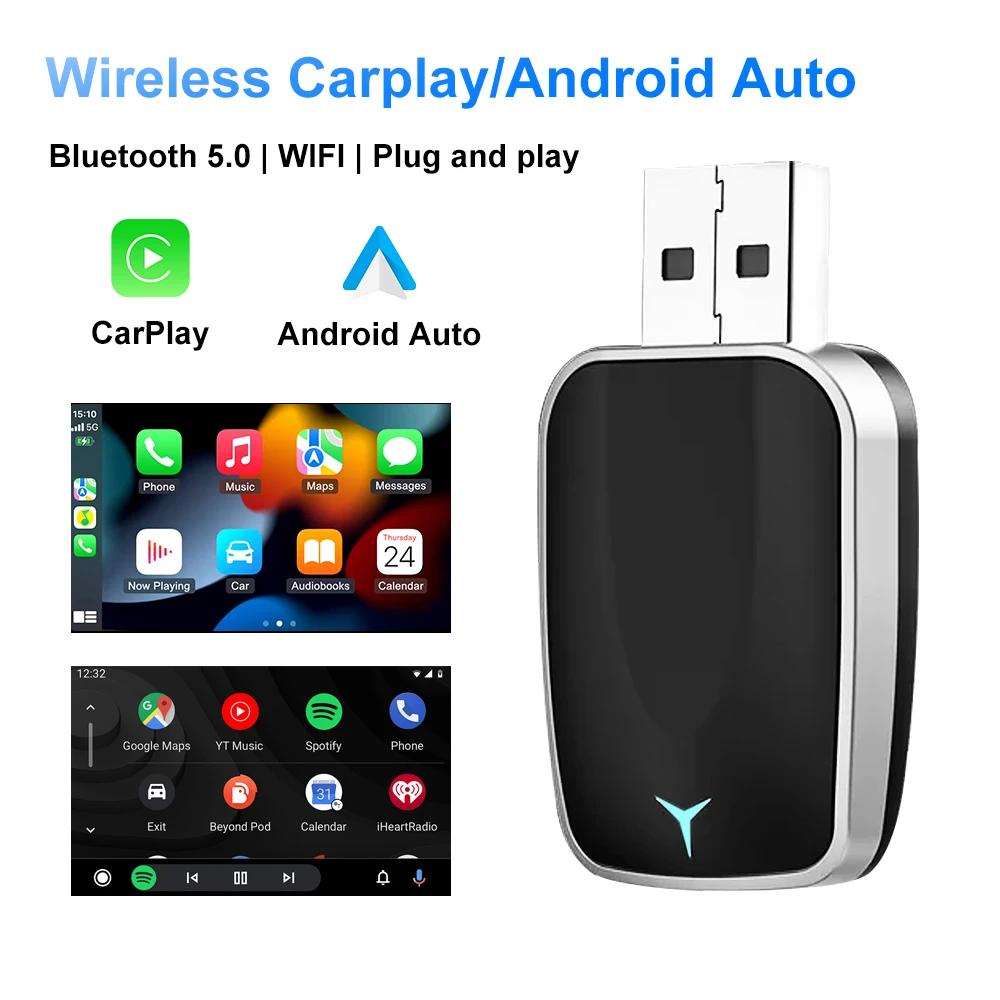
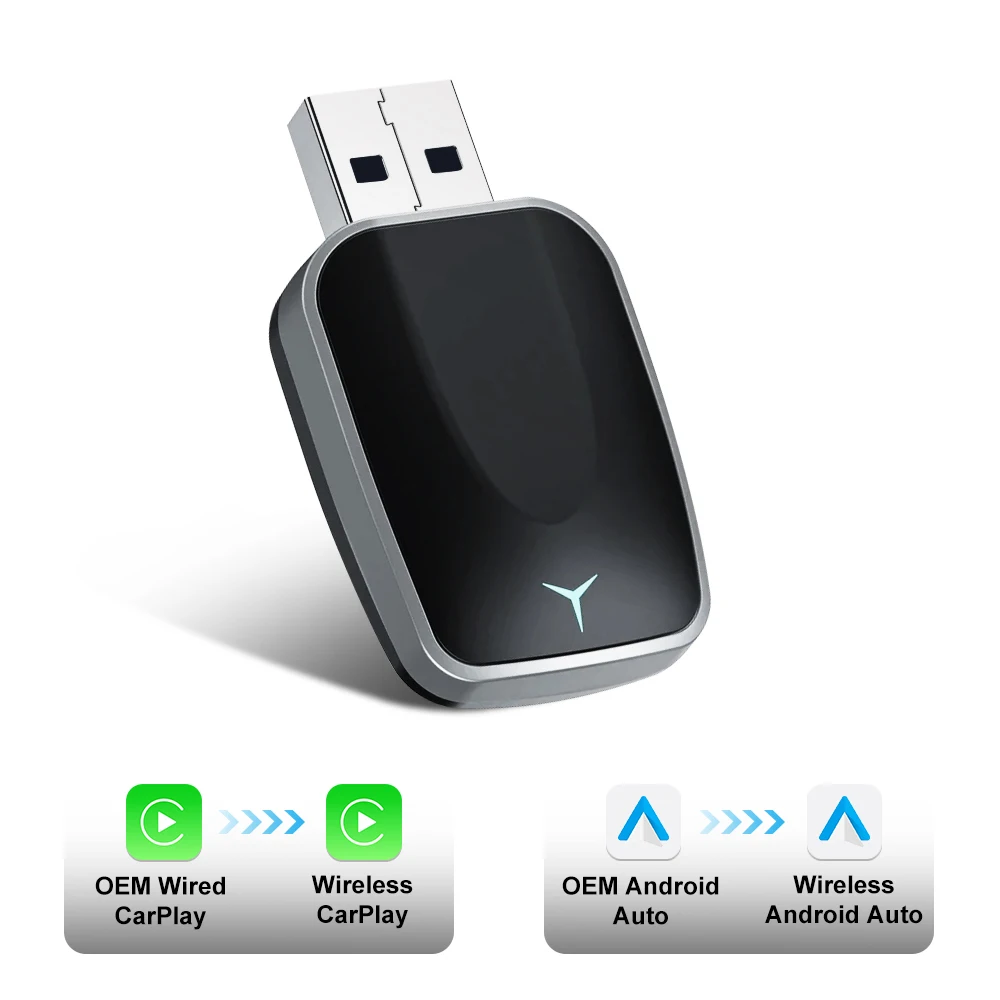
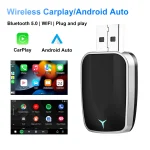
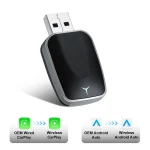
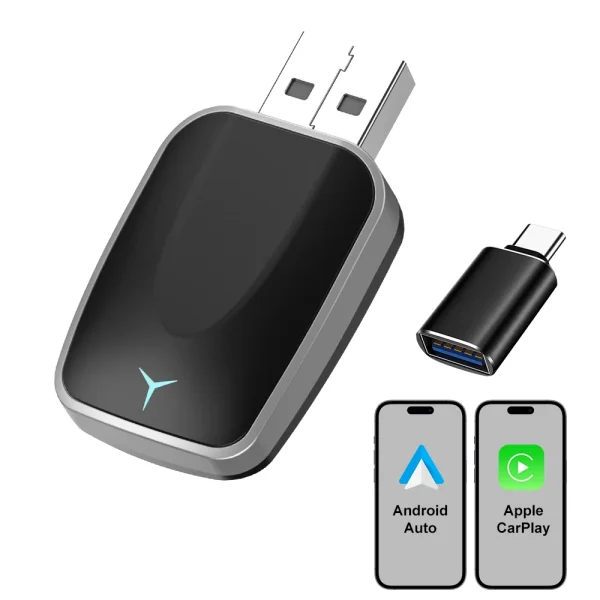
Product Name : Wireless CarPlay/Android Auto Adapter
Please note:
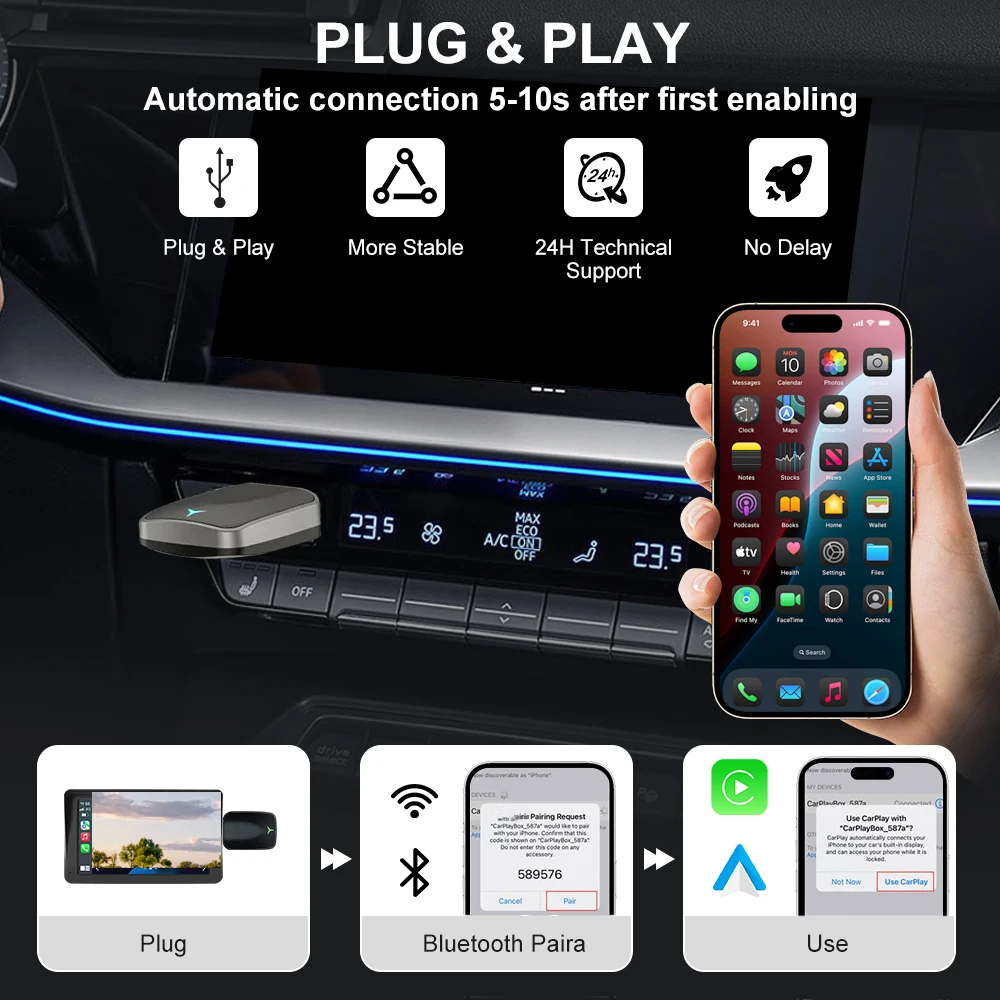
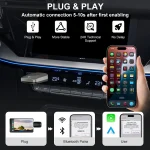
The working principle is to use Bluetooth to establish a pairing between the – iPhone/Android smartphone and the vehicle, and then switch to using WiFi to maintain wireless connection.
So please keep your phone's Bluetooth and WIFI turned on when using the converter.
IMPORTANT TIPS:
If your car is Android Auto, after inserting the adapter, there will be NO display on the screen. This is normal and not a malfunction.
Please use your phone to turn on WiFi and Bluetooth, search for the adapter's BT "WirelessDongle-xxxx" and connect. After the connection is successful, you can enter the wireless Android Auto
●If the adapter works properly, it means the current version is suitable for your car. lt is not recommended to update the firmware
●Only try this solution when the problem you can’t solve from the "Q&A"
1. Power up the adapter
2. Enable mobile phone network (4G/5G)
Apple Carplay
3. Connect the adapter via Bluetooth
4. Open the browser and enter "192.168.1.101" to enter the Carplay function settings page
5. Click "Online Update" and select the version with the latest date for updating
6. If unable to connect to Carplay, please try disconnecting Bluetooth and WIFI, then enter password: 12345678, connect to WIFI hotspot: Wireless Dongle – * * **
Android Auto
1. For Android Auto, Please disconnect the Bluetooth and WIFI links first, then open WIFI and find Wireless Dongle – * * * *. Enter the password: 12345678 to connect to this hotspot
2. Open the browser and enter "192.168.1.101" to enter the Carplay function settings page
3. Please Click "Switch P2P" Then Click“OK"
4. Return to WiFi Connect, Find "Wi-Fi Direct" option, Then connect the Available devices (Wireless Dongle-****) (This step is for reference only for Android phone users, if use iphone update the firmware, please ignore "Wi-Fi" Direct step)
5. Return to the browser's page Click "Update“, then patiently wait for the update process to end before connecting to Bluetooth
Tips:
1.On this webpage, you can see a feedback window,You could fill in the car brand, model, years, and more details, next tap "Submit to" report the issue. Our engineers will record your problem and research possible solutions
2.If you encounter unstable connection problems, it may be due to different WiFi/hotspot channels. You can find WIFI frequency band switching options on a webpage, find the appropriate channel, and make the connection more stable.
Package List
1x Wireless AdapterCarPlay/Android Auto
1x USB Adapter
1x User Manuel




Reviews
Clear filtersThere are no reviews yet.